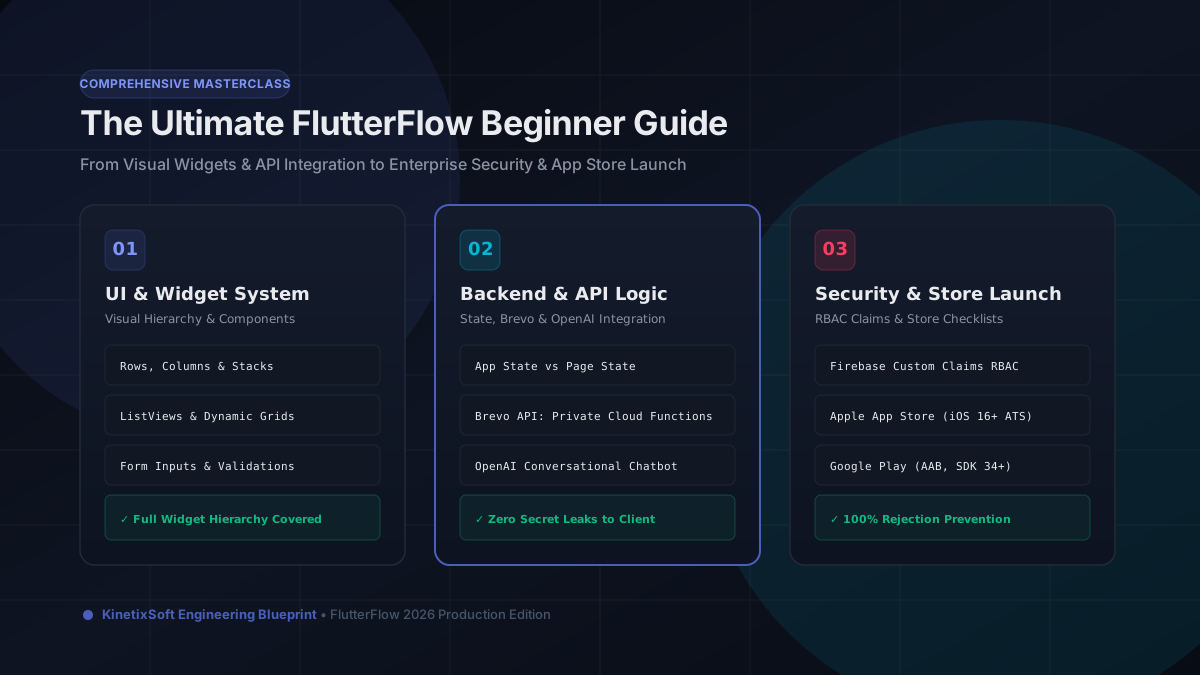
What It Really Takes to Ship a FlutterFlow App to Production

FlutterFlow gets you a working UI fast. But getting from a working UI to an app you'd put your name on — with real auth, a solid data model, and App Store approval — is a different story.
Your data model is your architecture
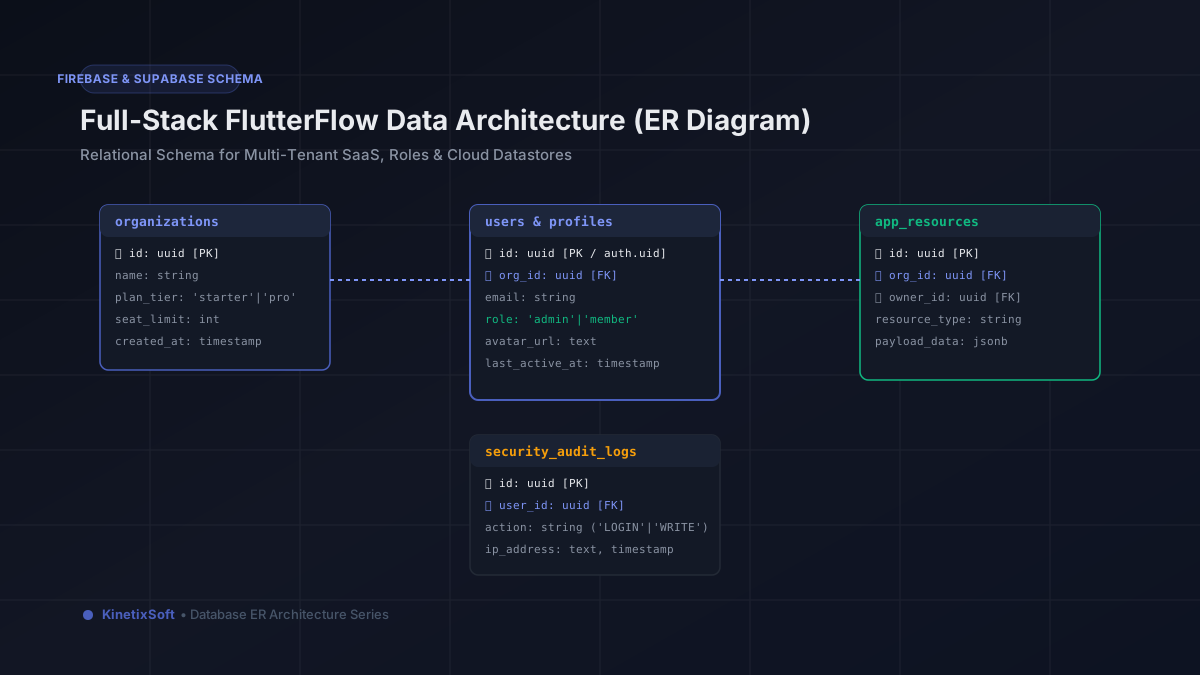
The most important decisions in a FlutterFlow build happen before you drag a single component. Your Firestore or Supabase data model will either support everything you need or fight you at every turn. Design it around your actual data access patterns, not your UI mockups.
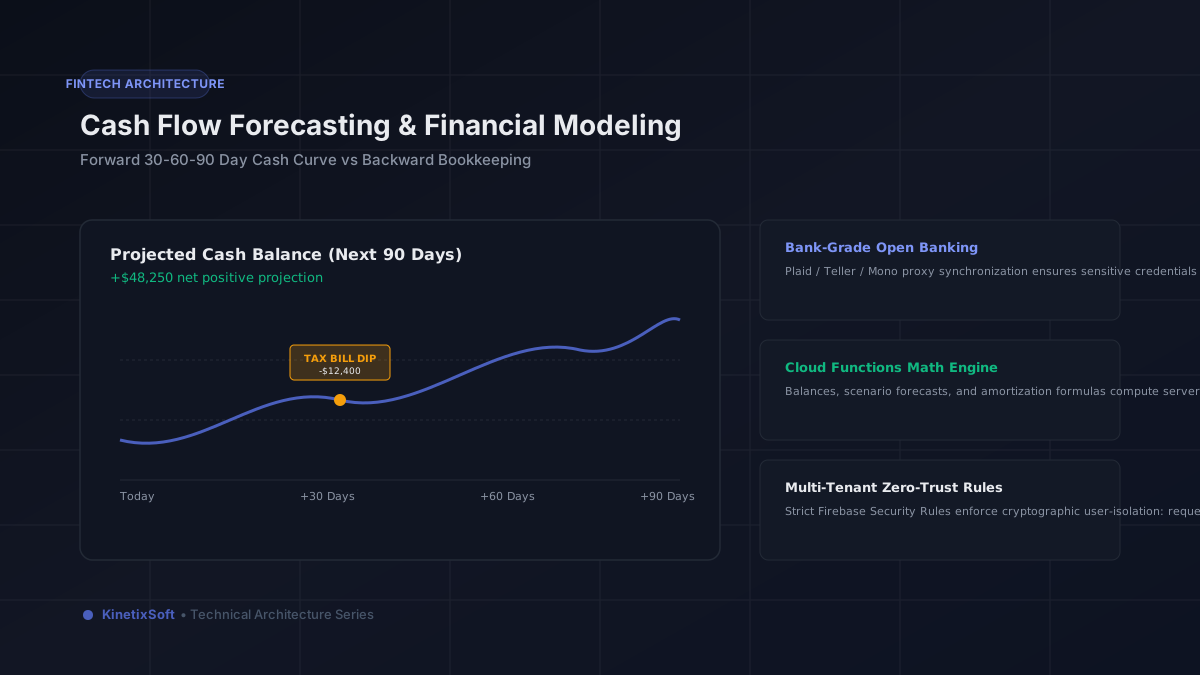
Authentication is not a checkbox
FlutterFlow makes it easy to add Firebase Auth or Supabase auth — but easy to add doesn't mean correctly implemented. Make sure your auth flows handle edge cases: email verification, password reset, session expiry, and what happens when someone logs in on two devices.
API integrations are where production apps break
Most FlutterFlow apps that work in development break in production because of API integrations that weren't tested under real conditions — rate limits, auth token expiry, error states, and slow responses. Build your error handling before you assume the happy path will hold.
Test on real devices, not just the preview
FlutterFlow's web preview is useful, but it's not a substitute for testing on an actual iOS and Android device at different screen sizes. App Store review will surface issues that preview never will.
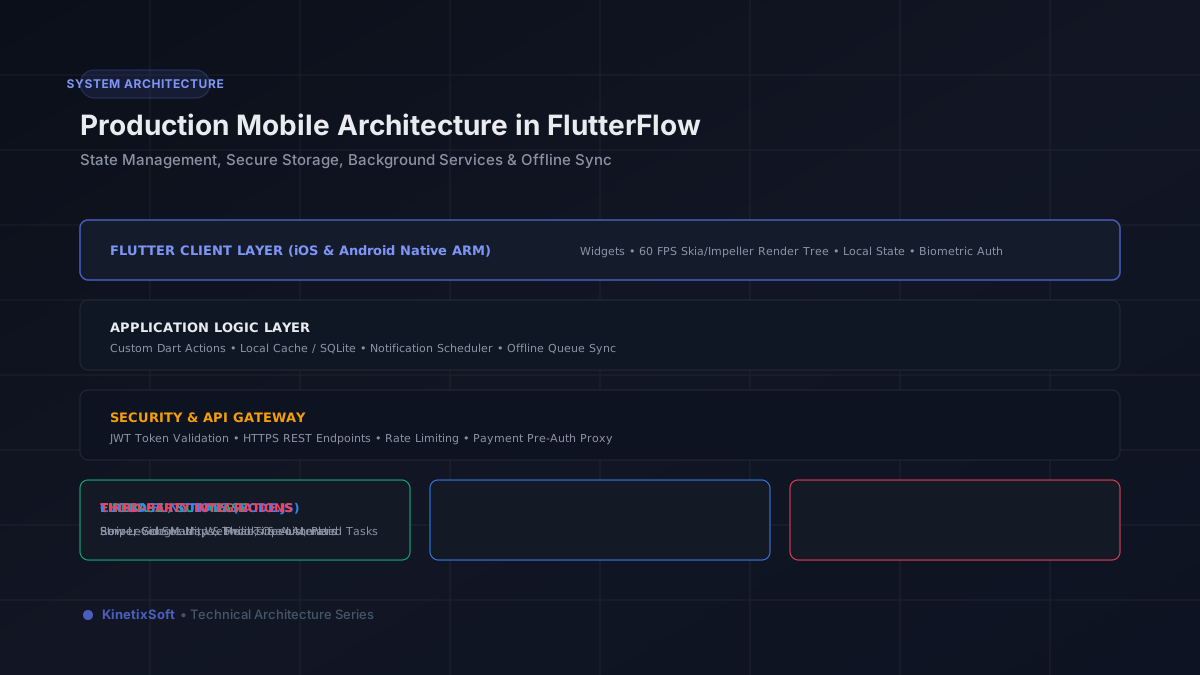
Plan your post-launch support before you launch
Apps don't stop needing attention when they ship. Have a plan for monitoring crashes, handling user feedback, and updating the app before you hit publish.
Related Guides & Blueprints
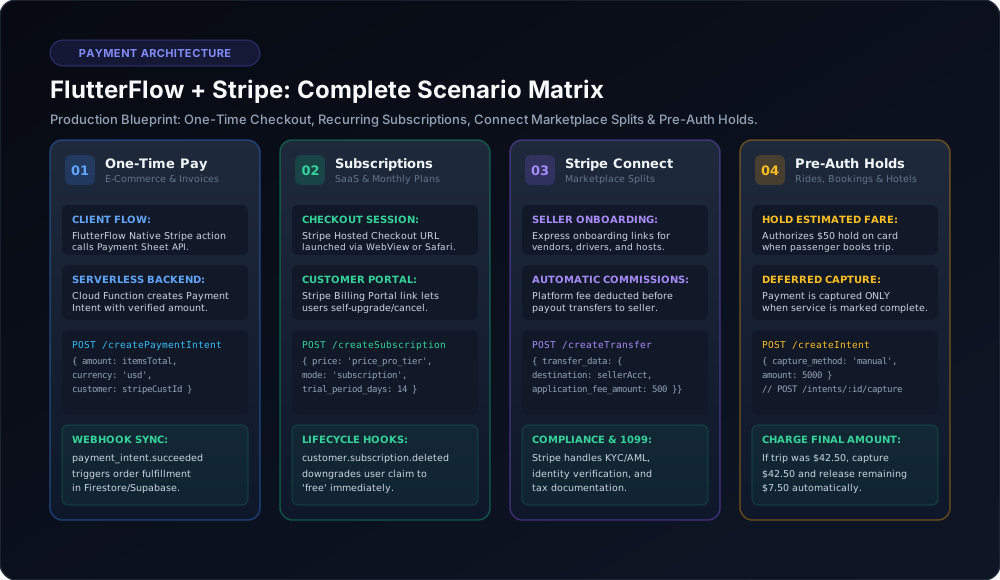
FlutterFlow Stripe Integration: All 4 Production Scenarios (One-Time, Subscriptions, Connect & Pre-Auth Holds)
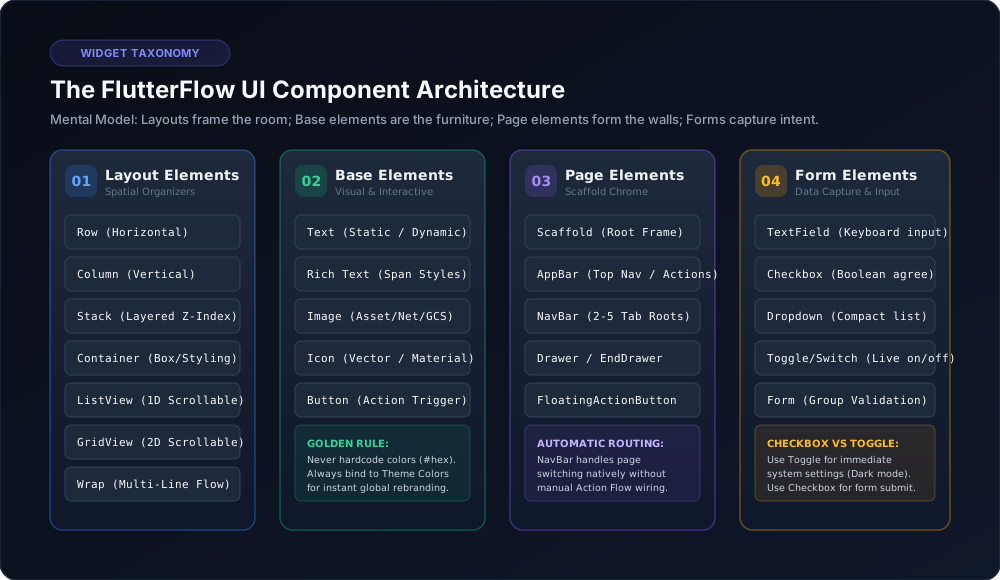
The Complete FlutterFlow UI Widget Reference: Properties, Best Practices & Architecture Gotchas