How to Build a High-Converting E-Commerce Mobile App with FlutterFlow in 2026
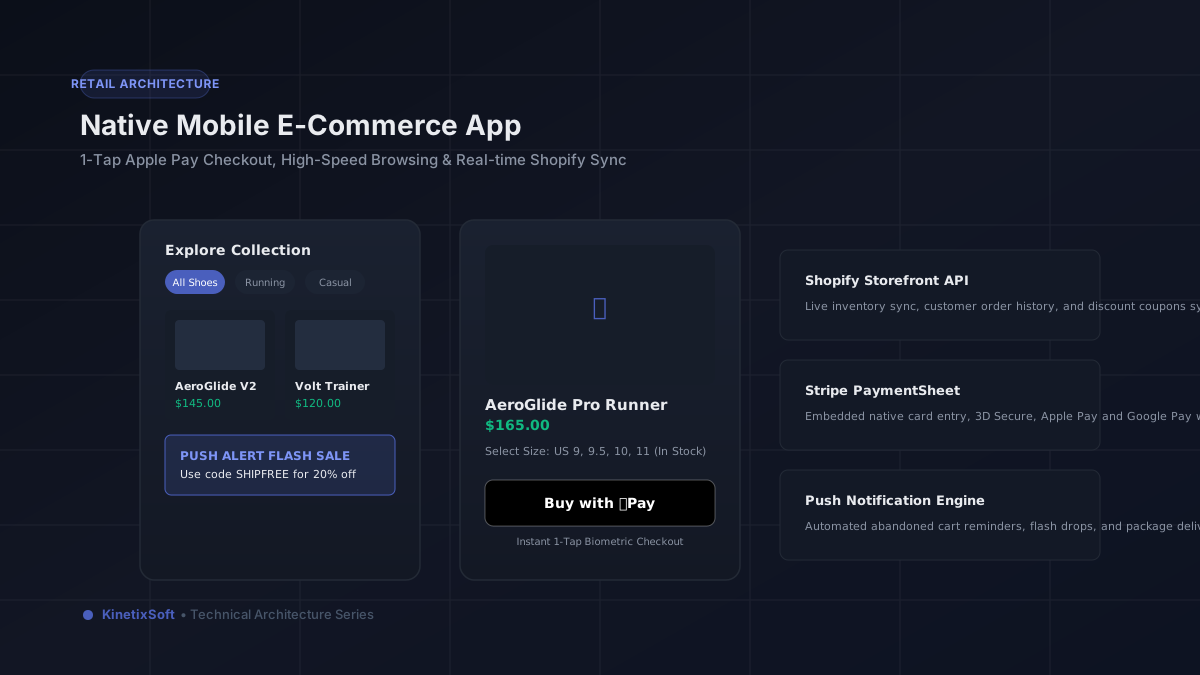
Mobile devices generate more than 70% of all e-commerce traffic, yet mobile website conversion rates consistently trail desktop websites by nearly half. The cause is mobile web friction: slow page loads, awkward form typing, forgotten account passwords, and cumbersome multi-step checkouts. Native mobile shopping apps solve this entirely by delivering instant 60 fps catalog navigation, biometric 1-tap checkout via Apple Pay and Google Pay, and direct-to-lockscreen push notifications.
With FlutterFlow, direct-to-consumer (D2C) brands, multi-brand retailers, and boutique stores can launch high-converting iOS and Android mobile apps that synchronize directly with Shopify, WooCommerce, or a custom Supabase inventory backend.
Features that drive retail app conversions
To produce meaningful ROI, an e-commerce mobile app must deliver features that mobile browsers cannot provide:
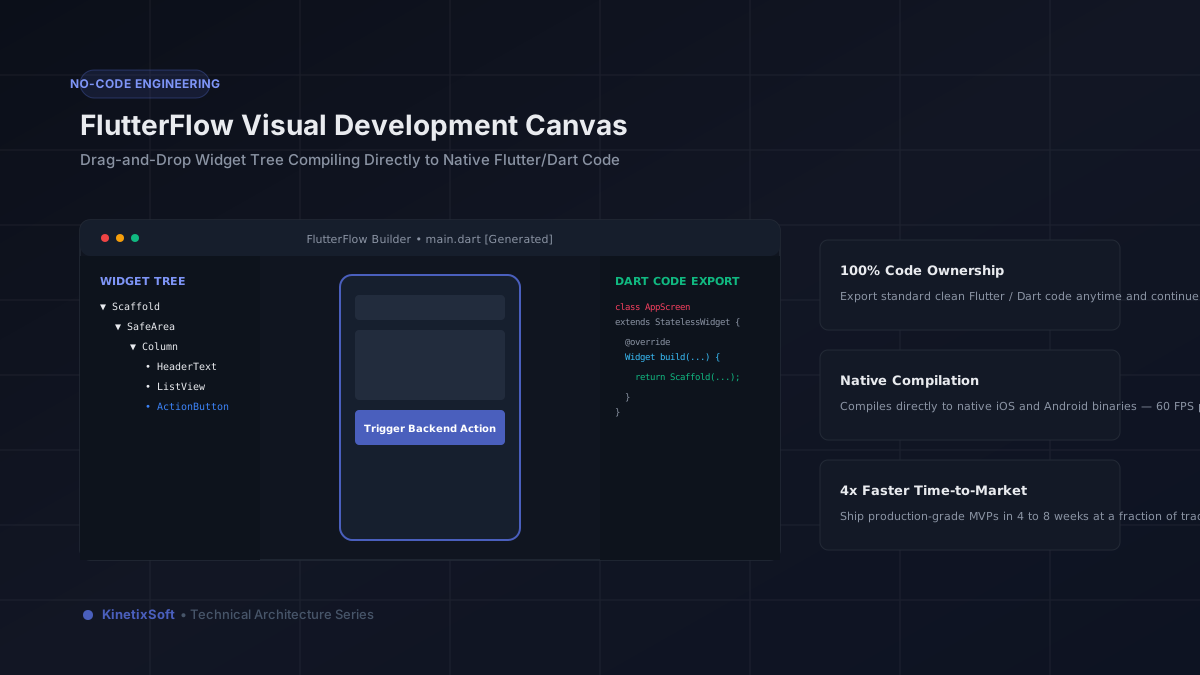
1. Instant catalog browsing & faceted filters: FlutterFlow's ListView and GridView widgets render smoothly even across catalogs with thousands of SKUs. Users can filter instantly by size, color, brand, price range, and in-stock status without page reloads.
2. One-tap native checkout: Integrating Stripe PaymentSheet, Apple Pay, and Google Pay allows shoppers to purchase in seconds using biometric authorization — eliminating the need to type credit card numbers or shipping addresses manually.
3. Push notification automation: Mobile push notifications achieve 3x higher click-through rates than marketing emails. We configure automated triggers for abandoned cart reminders, flash sale announcements, back-in-stock alerts, and order shipment updates.
4. Cross-device synchronized cart & wishlist: Persistent state management ensures that products added to a cart on mobile are saved across sessions and synchronized with the user's web account.
5. Product reviews with user-generated photos: Native camera integration allows verified buyers to photograph purchases and upload reviews directly from their phones, building community trust.
Connecting FlutterFlow to your e-commerce platform
You do not need to abandon your existing retail infrastructure to launch a native mobile app:
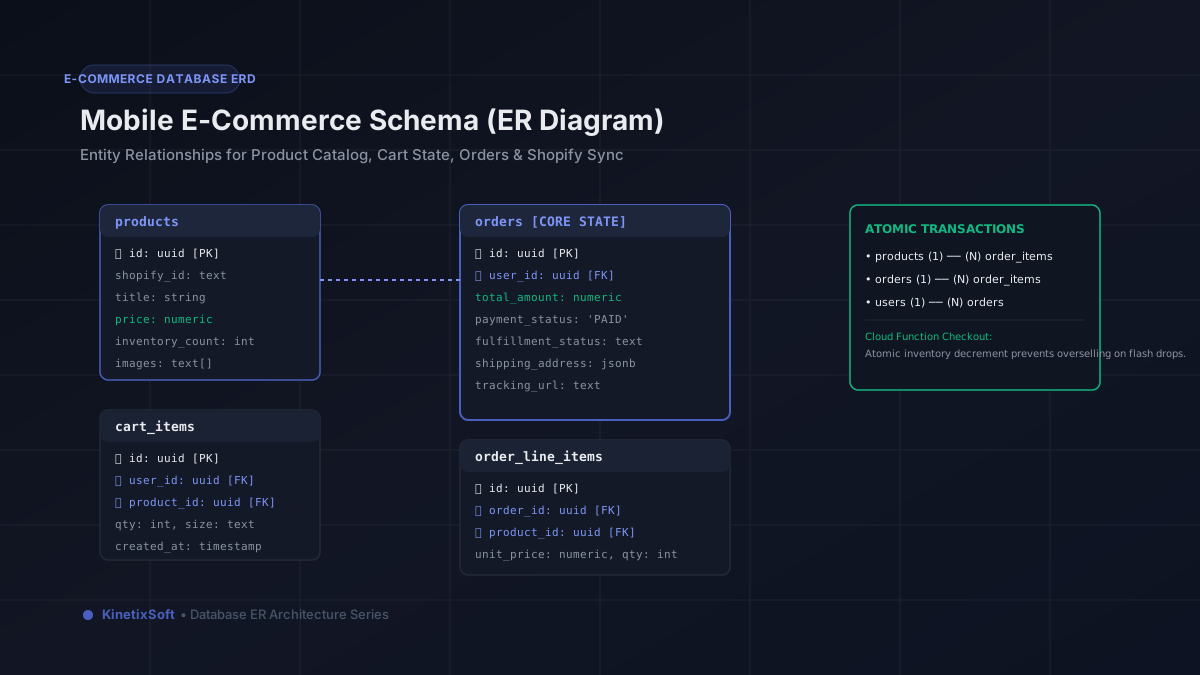
• Shopify Storefront API: Connect FlutterFlow directly to your Shopify store via GraphQL or REST. Product catalogs, inventory levels, customer profiles, and discount codes sync automatically in real time.
• WooCommerce REST API: Fetch products, synchronize orders, and manage inventory with WordPress/WooCommerce backends.
• Custom Supabase / PostgreSQL backend: For independent brands requiring custom B2B tiered pricing, wholesale discounting, or proprietary loyalty point engines.
Cost and delivery timeline
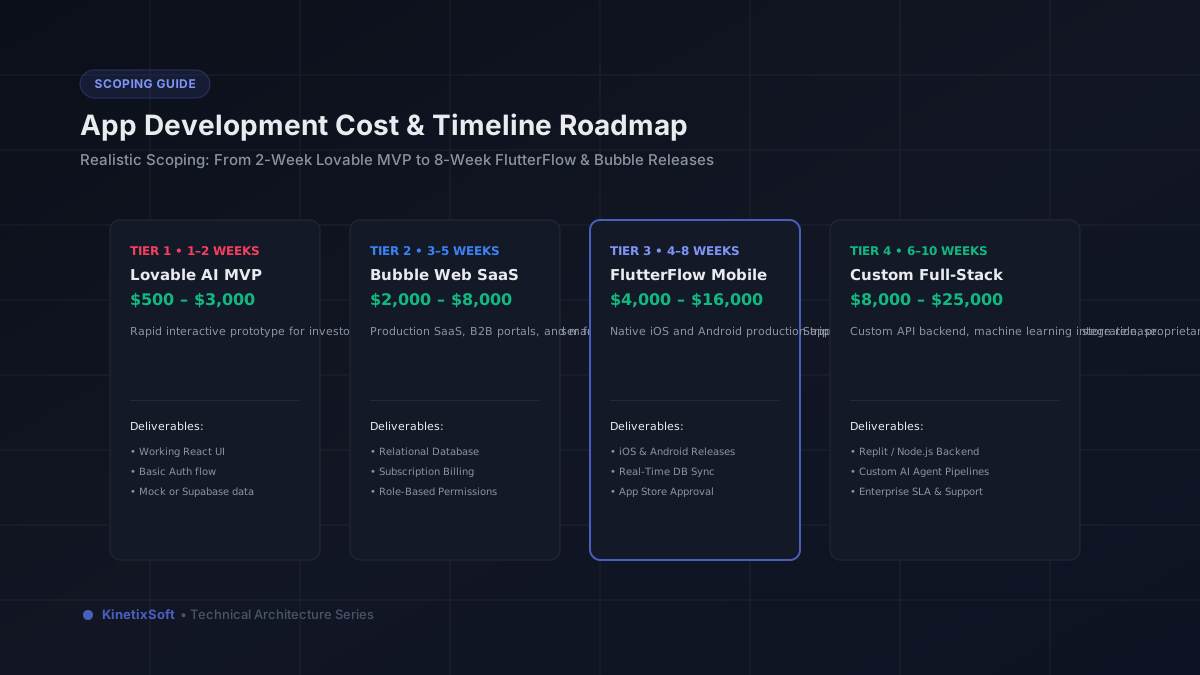
A native Swift and Kotlin e-commerce build typically costs $40,000–$80,000. At KinetixSoft, building on FlutterFlow delivers the same native performance, Apple Pay integration, and Shopify sync for $5,000–$12,000 within 4 to 6 weeks.
Ready to turn your online store into a high-converting mobile app? Schedule a consultation with our e-commerce engineering team.
Planning to build an app like this?
KinetixSoft designs, builds, and launches production-grade mobile and web applications on FlutterFlow, Bubble, Retool, Lovable, and Podio. We deliver 40–60% faster and more affordably than traditional agencies.
Book a Free Scoping CallRelated Guides & Articles
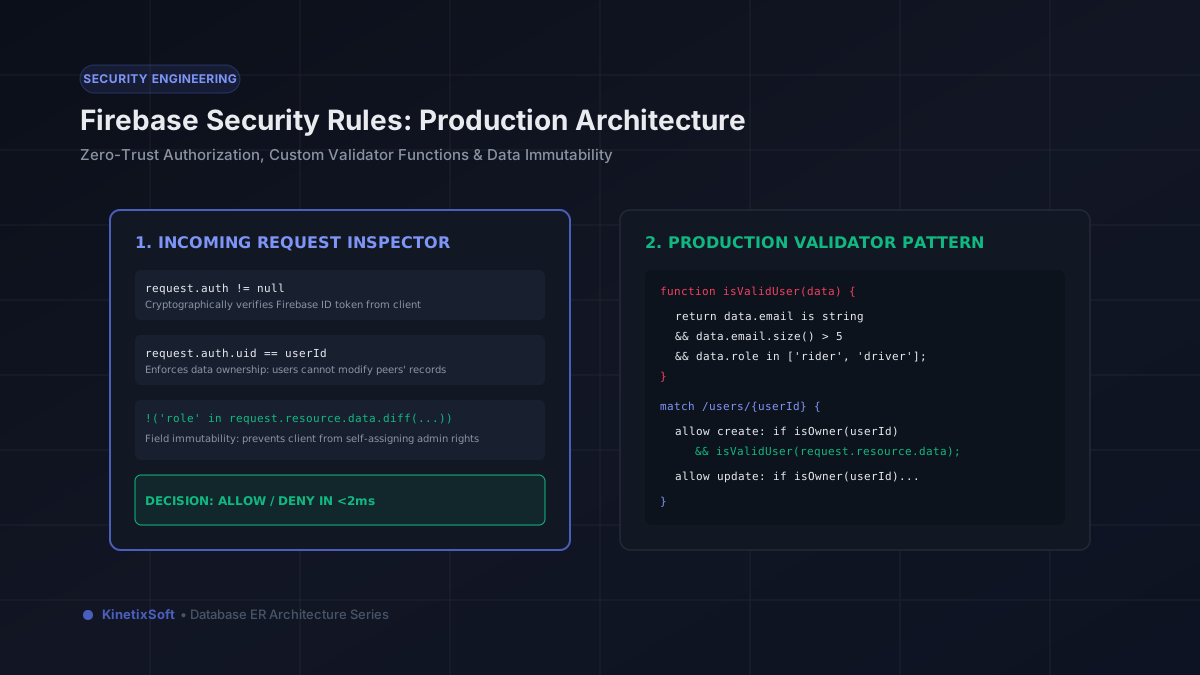
Mastering Firebase Security Rules in FlutterFlow: Complete Production Implementation Guide
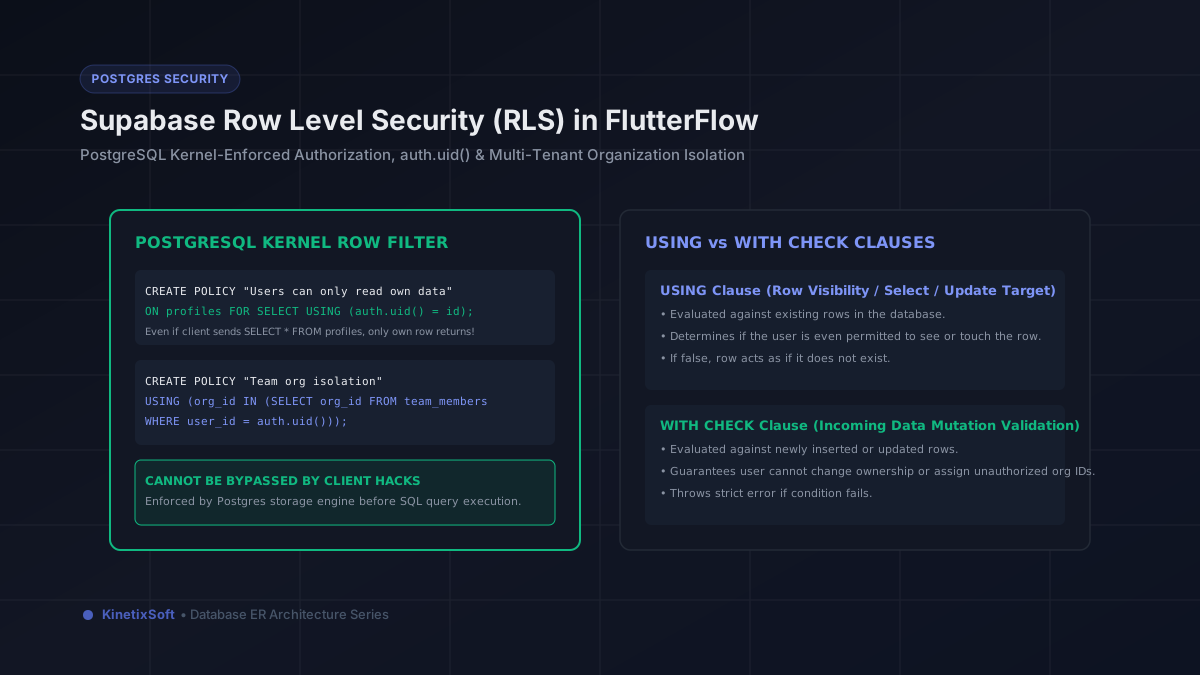
Supabase Row Level Security (RLS) in FlutterFlow: The Comprehensive Engineering Guide