Automating Your CRM with Podio

5 ways Podio workflow automation can save your team 10+ hours a week — without writing a single line of code.
1. Auto-assign tasks when a deal stage changes
When a deal moves from "Proposal Sent" to "Negotiation," there's always a set of tasks that need to happen. Automate the creation and assignment of those tasks so no one has to remember to create them manually.
2. Send email notifications from field changes
Podio's built-in workflow builder can send emails when specific fields are updated. Use this to notify clients when their project status changes, alert managers when a deal is won, or remind team members of upcoming deadlines.
3. Create related items automatically
When a new client is added, automatically create their first project record, their onboarding task list, and their communication log. This eliminates the manual setup that eats time at the start of every engagement.
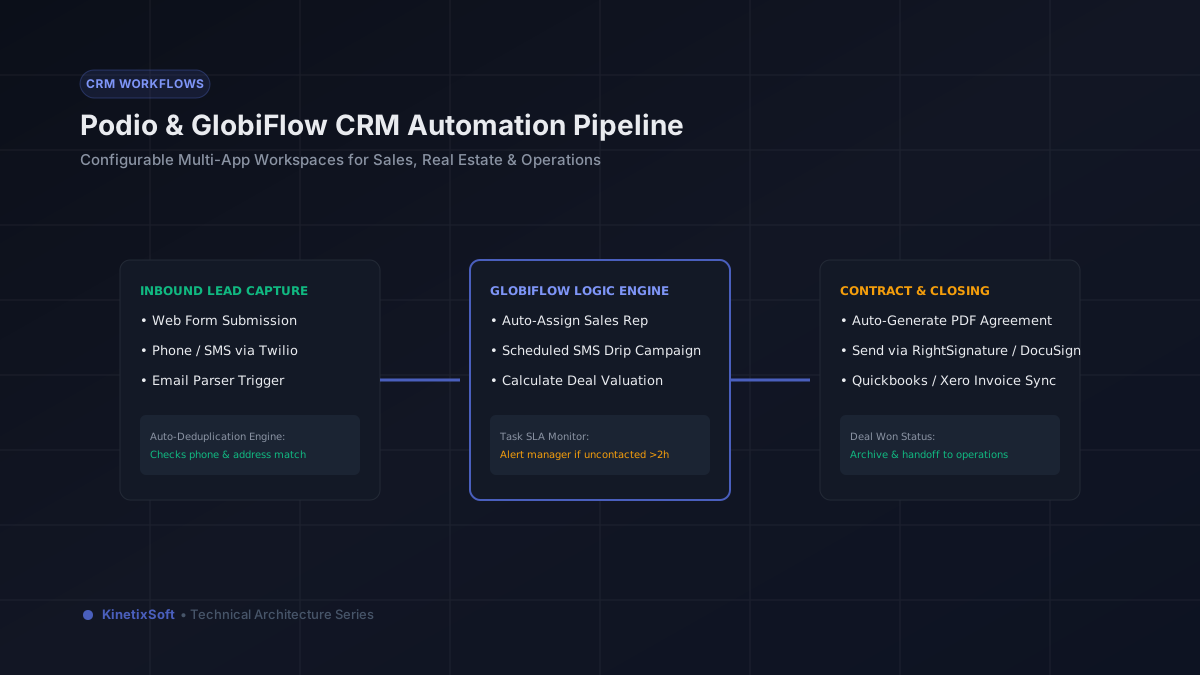
4. Connect to external tools with GlobiFlow
GlobiFlow (now part of Citrix) lets you trigger external webhooks, send data to other systems, and build more complex automation sequences than Podio's native builder supports. This is how you connect Podio to your accounting software, your calendar, or any other tool in your stack.
5. Automate reminder sequences
Instead of relying on team members to remember to follow up, build automated reminder sequences that trigger based on time elapsed since a field was last updated. Never miss a follow-up because someone forgot to check their task list.